Best Free YouTube Playlist Randomizer in 2026 (PC & Mobile)
2025-12-28 • by Ethan

If you have a massive music library, you know the pain: YouTube's native shuffle button is fundamentally broken. As your playlist grows, the algorithm gets lazy, replaying the same 50 recent tracks while leaving hundreds of others to collect dust. It doesn't truly shuffle; it predicts what it thinks you want to hear.
To get a true shuffle, you need a reliable youtube playlist randomizer to get the job done. But with so many third-party tools popping up in Google search results, which one actually works without crashing your browser?
To answer this, I spent a week testing the top-ranking tools available right now. I used a massive stress-test playlist containing 1,977 videos (Link: https://www.youtube.com/playlist?list=PLhM4pDfsylNOoIiQ1T5MqoVQK6SgEI5hL) to see how they handled the load.
The short answer? After extensive testing, TubeDice is currently the best performing tool on the market. Below, I’ll break down exactly why, and how the competitors stacked up.
What Actually Is a YouTube Playlist Randomizer?
Before diving into the benchmarks, it is important to understand why these tools exist. YouTube’s built-in shuffle functionality deteriorates as the video count rises. It fails to load the entire list into the queue, resulting in a "bias" where older videos are never played.
A YouTube playlist randomizer solves this by using the YouTube API to fetch every single video in your list first, and then applying a true mathematical random algorithm to the order. This ensures that video #1977 has the exact same chance of playing as video #1.
The Contenders
I tested the following platforms:
- TubeDice (https://playlistshuffle.online/)
- playlist-randomizer.com
- youtube-playlist-randomizer.bitbucket.io
- shuffle-playlist.vercel.app
- playlistrandomizer.com
- playlistrandomizer.me
Here is the detailed breakdown of the testing process.
1. TubeDice (https://playlistshuffle.online/)
Interface and User Experience
The interface here is modern and clean. Unlike the spammy look of older tools, TubeDice implements a Cloudflare Turnstile verification. While this adds a second to the initial load, it’s a necessary step to protect the API quota and ensure the tool remains free for everyone.
The layout is logical: input fields and action buttons are stacked, and it uniquely supports fetching up to four different playlists simultaneously.
Performance: Speed Test
Speed is where this tool destroys the competition.
- First Run: fetching the 1,977 videos took about 15 seconds.
- Second Run: I cleared the local view and re-fetched. It took less than 3 seconds.
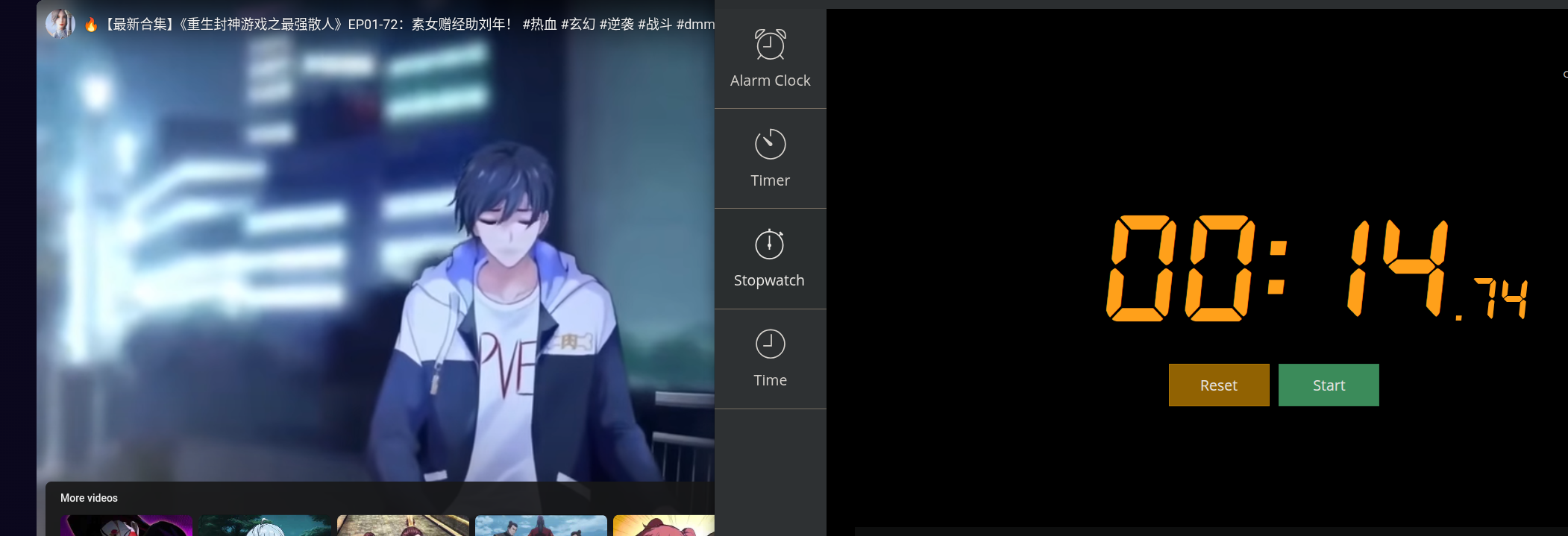
This indicates the site uses smart caching technology. Once you've loaded a playlist, subsequent shuffles or re-visits are instant.
The Player and Data Display
The playback area is intuitive. You get a clean video player on top with metadata below. Controls include standard Previous/Next, Shuffle, Loop, and a "Clear List" option.
A standout feature is the Search function within the loaded playlist. If you want to find a specific track inside your randomized queue, you can type a keyword and find it instantly.
The History section is also powerful. It saves your previously fetched playlists, allows you to search through them, and lets you "Favorite" lists to keep them pinned at the top. It also calculates the total duration of the playlist—a nice touch for planning listening sessions.
Mixed Playlists (The Killer Feature)
Creating a mixed playlist (blending multiple distinct YouTube playlists into one super-mix) is seamless here. You don't need to copy-paste URLs repeatedly. You can simply select playlists from your History tab to combine them. If you make a mistake, deleting a selection is one click away.
Pros & Cons
- Pros: Fastest load times (3s cache), mobile-friendly, search function, supports mixing via history, active support.
- Cons: None found during testing.
- Verdict: The developer is responsive via email ([email protected]) and the polish shows. It is currently the gold standard.
2. playlist-randomizer.com
Interface
This is an older tool with a very spartan design. It consists of a single input box and a button. It allows you to enter a Playlist ID or a full URL.
Performance
I ran the test twice, clearing browser data between runs to ensure fairness.
- Average Load Time: 47 to 60 seconds. Compared to TubeDice, waiting nearly a minute for the music to start feels like an eternity.
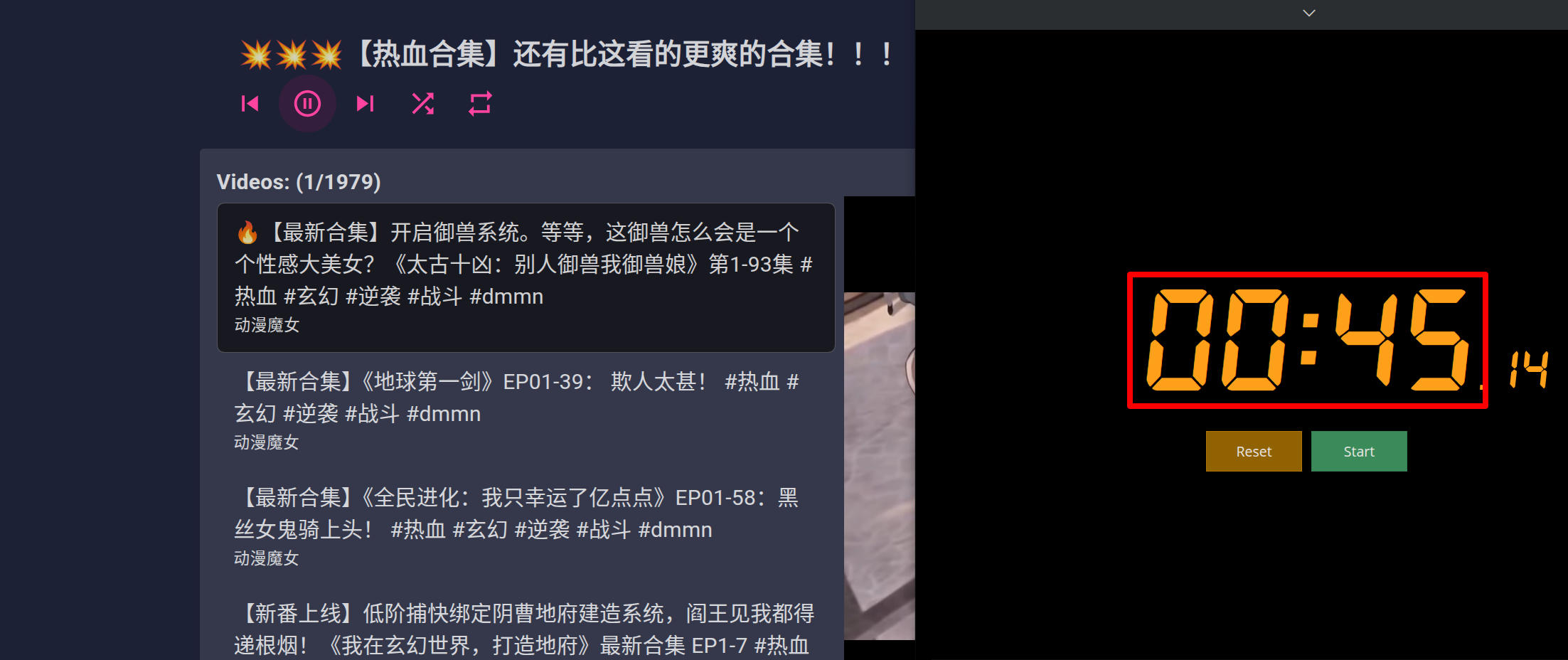
The Player
The web interface is functional but basic. You have the video on the right and the list on the left. Controls are limited to Previous, Next, Random, and Loop.
Mobile Warning: If you use this on your phone, you will only get audio playback control. The video player interface does not render on mobile devices, which is a significant drawback if you like watching music videos.
Mixing and Issues
You can create mixed playlists, but the UI breaks easily. Long playlist titles cause the layout to warp, and while selected lists have a background color change, the contrast is so low it's hard to tell what is selected.
Major Drawbacks:
- No video on mobile.
- Cannot delete individual videos from the queue.
- Private videos crash the player.
- The "Random" button lags and feels unresponsive.
- Re-shuffling loses your place in the current video.
- No caching—every reload takes 60 seconds again.
3. youtube-playlist-randomizer.bitbucket.io
Interface
This tool looks like a developer's side project from a decade ago. All content is jammed into the top-left corner. It relies heavily on Playlist IDs rather than full links.
It offers a "Resume Last Session" button and a "Show Playlist History," which are functional. However, the text warning users to "Put only one ID on each line" and that the "Total length should not exceed 10K" feels outdated and slightly exaggerated regarding API limits.
Performance
- Average Load Time: ~15 seconds.
This is decent, but since there is no "clear history" button, I had to wipe my browser cache to re-test accurately.
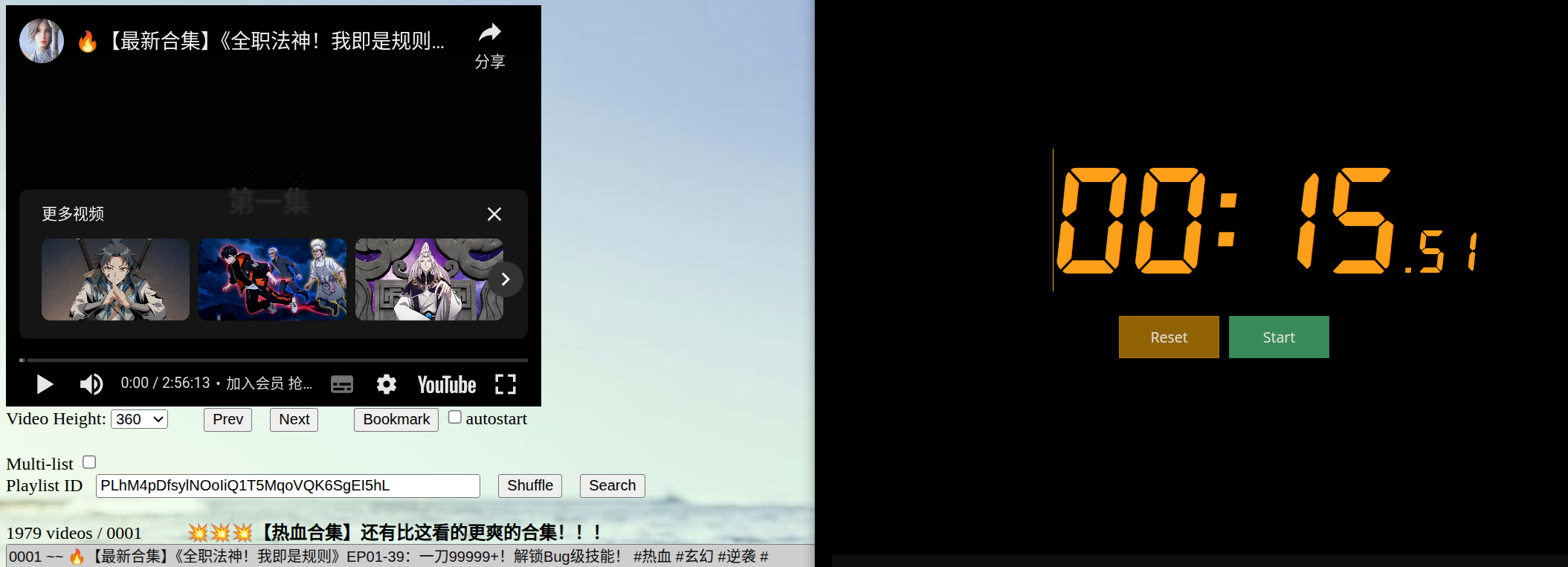
The Player
The web player works, but it includes a resolution selector which is largely redundant since YouTube automatically adjusts quality based on bandwidth.
Mobile Issues: Similar to the previous tool, the mobile experience is broken. The video metadata and playlist information get cut off, making it unusable on smaller screens.
Pros & Cons
- Pros: Fast initial load.
- Cons: Strictly requires IDs (no links), search is broken, cannot delete single tracks, manual reshuffle is buggy, and it often includes unplayable videos in the queue.
4. shuffle-playlist.vercel.app
Interface
A minimalist Vercel deployment. One box, one "Play" button.
Performance
- Average Load Time: ~35 seconds.
I tested this twice, deleting old data each time. 35 seconds is mediocre—not the slowest, but far from the fastest.
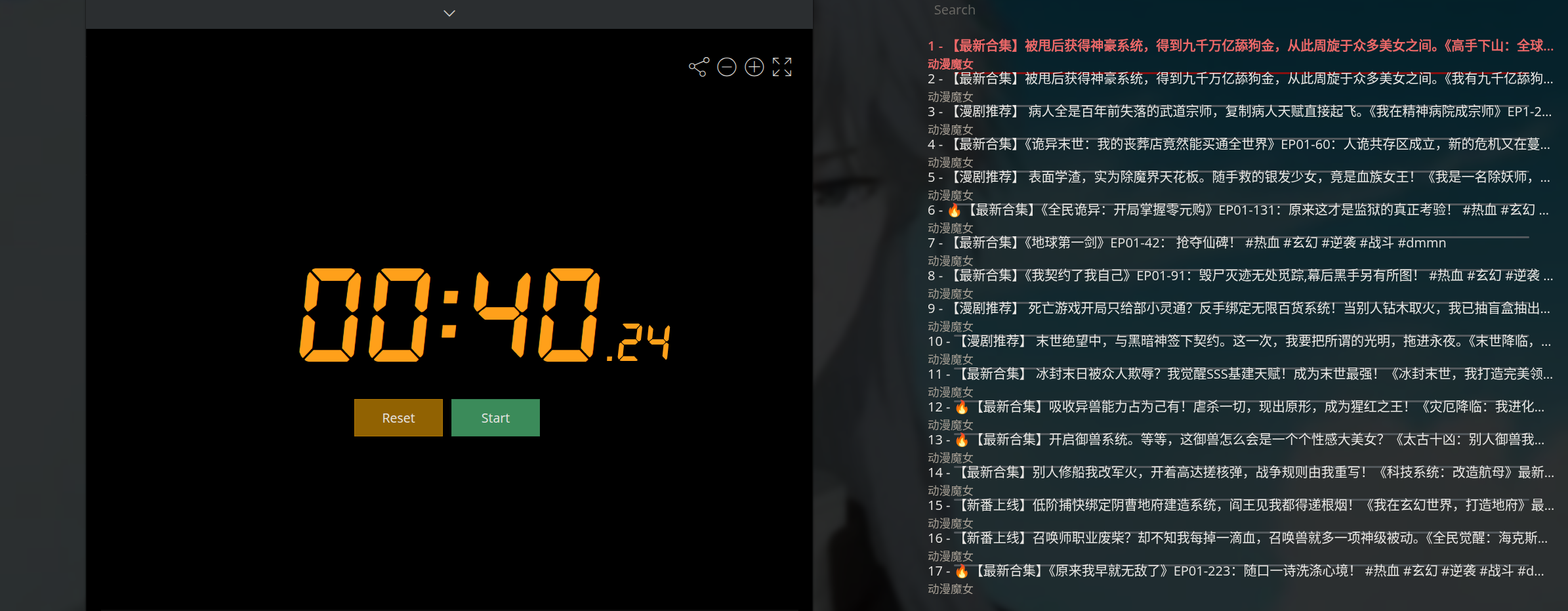
The Player
On Desktop, the layout is standard (video left, data right). It does support keyword search. However, on mobile, the layout is too compact, making the video player tiny and hard to watch.
Issues
- Mixing playlists is overly complicated.
- It does not auto-play after fetching; you have to manually start it.
- It frequently grabs "deleted" or "private" videos that stop playback.
5. playlistrandomizer.com
Interface
This site has a more modern aesthetic compared to the Bitbucket or Vercel tools. It only accepts full links.
Performance
- Average Load Time: 20 to 23 seconds.
Respectable speed, sitting in the middle of the pack.
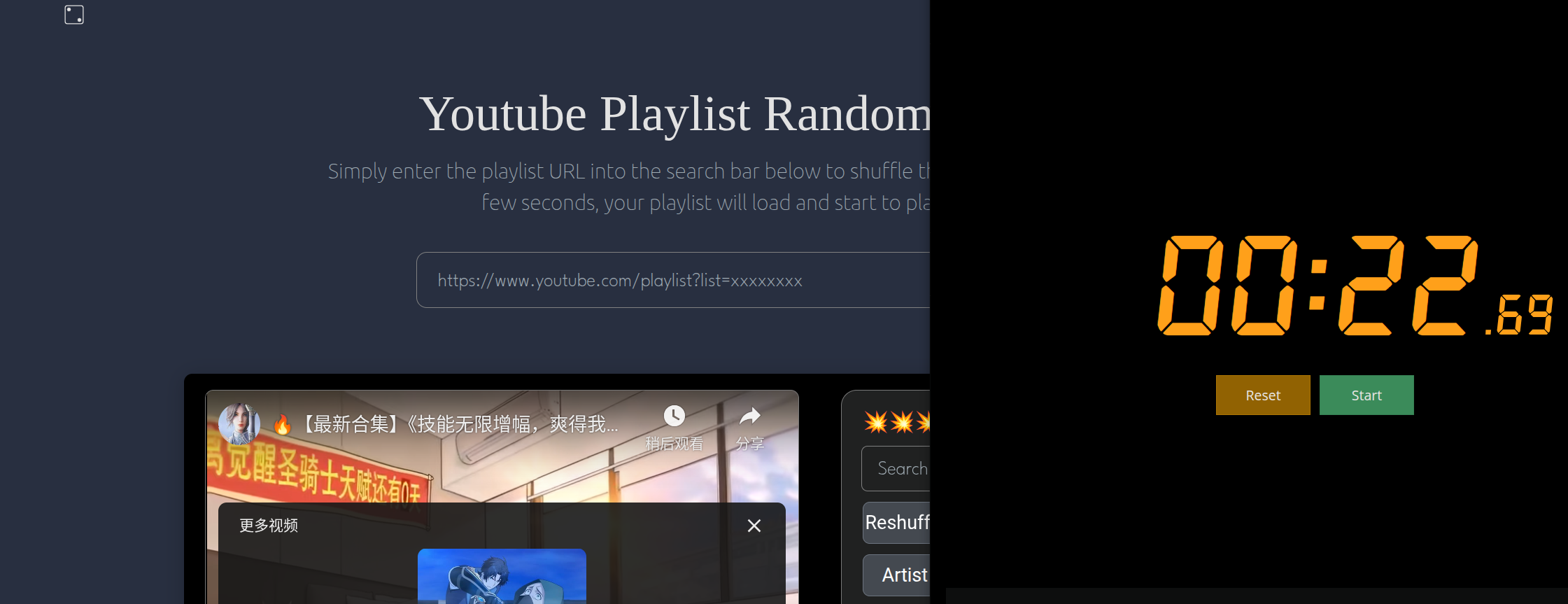
The Player
The player sits below the input box. It has a distinct "History" and "Collection" area at the bottom.
Mixing Issues
Creating a mix is done by pasting links into the input box. However, the code is fragile. During my test, I accidentally left an empty line between two links, and the entire save function crashed with an error.
Pros & Cons
- Pros: Decent speed, modern look.
- Cons: Cannot fetch multiple lists easily, collections and history are visually cluttered, the "empty line" bug is frustrating, and you cannot clear the history list in bulk.
6. playlistrandomizer.me
Analysis
Upon testing playlistrandomizer.me, it became immediately apparent that this is a clone of shuffle-playlist.vercel.app. The underlying code appears identical, likely copied from an open-source repository.
The only difference is the homepage styling. Functionally, it shares all the same flaws as the Vercel app: slow loading (35s+) and poor mobile optimization. It doesn't bring anything new to the table.
The Verdict: Which Tool Should You Use?
After testing nearly 2,000 videos across six different websites, the winner is clear.
If you want to randomize your YouTube playlist without waiting a minute for it to load, TubeDice is the superior choice.
It addresses every pain point found in the competitors:
- Speed: The caching system makes it instant.
- Mobile: It offers a full experience on your phone, not just a stripped-down player.
- Reliability: It filters out unplayable content better than the rest.
- Usability: Features like searching within a playlist and mixing via history make it a tool for power users.
While other tools like playlist-randomizer.com or the Bitbucket version might work for small lists, they crumble under the weight of large libraries. For the best experience in 2026, TubeDice is the youtube playlist randomizer
you should be bookmarking.